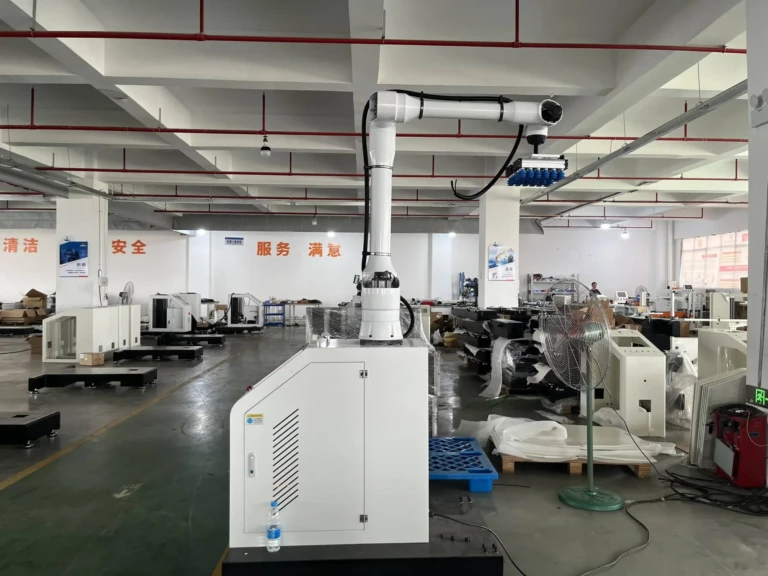

Have you ever clicked a link or submitted a form, only to be met with a cryptic “500 Internal Server Error” message? This sudden digital roadblock leaves users frustrated and businesses scrambling. In today’s tech-driven world – where industries rely on seamless automation, from Huaxiu Robot’s precision palletizing robots to shrink-wrap packaging systems – server stability isn’t just about websites; it’s about keeping entire production lines running. Let’s demystify the HTTP Error 500, explore its critical implications, and arm you with actionable solutions.
Understanding the HTTP 500 Error: When Your Server Goes Rogue
Unlike client-side errors (e.g., 404 “Page Not Found”), a 500 Internal Server Error signals a breakdown server-side—meaning the website’s server encountered an unexpected condition that prevented it from fulfilling the request. Users typically see generic messages like:
- “500 Internal Server Error”
- “HTTP Error 500”
- “Temporary Error (500)”
This vagueness is intentional—it protects sensitive server information from public exposure. Behind the scenes, however, the server logs often reveal chaotic truths: malfunctioning scripts, database disconnections, or resource exhaustion.
Why Does a 500 Error Occur? Root Causes Decoded
1. Misconfigured Server or Permissions
Web servers (Apache, Nginx) and application frameworks (Python, PHP, Node.js) require precise configurations. Incorrect file permissions (e.g., a script lacking execute rights) or syntax errors in .htaccess files can trigger immediate 500 responses.
2. Faulty Scripts or Plugin Conflicts
Outdated PHP modules, corrupted WordPress plugins, or syntax errors in custom code (like missing semicolons in JavaScript) often destabilize server responses. This is especially critical for e-commerce platforms handling high transaction volumes.
3. Database Connection Failures
If a site relies on MySQL, PostgreSQL, or MongoDB, a crashed database service, invalid credentials, or exceeded connection limits can render the server unresponsive.
4. Resource Constraints
High traffic spikes or memory leaks can overwhelm server resources (CPU, RAM), leading to timeouts or processes being killed prematurely.
5. Third-Party Service Dependencies
APIs for payment gateways, shipping calculators, or inventory systems (like those integrating with automated logistics robots) failing can cascade into 500 errors.
Troubleshooting a 500 Error: A Step-by-Step Guide
For Developers/Server Admins:
-
Inspect Server Logs:
- Apache: Check
/var/log/apache2/error.log - Nginx: Look in
/var/log/nginx/error.log - Cloud platforms (AWS, Azure) centralize logs via services like CloudWatch.
- Apache: Check
-
Test with a Blank File:
Temporarily replace.htaccessorindex.phpwith a minimal file. If the error disappears, the issue lies in your original code. -
Enable Debugging:
For PHP apps, setdisplay_errors = Oninphp.ini(temporarily) to expose syntax issues. - Resource Monitoring:
Use tools liketop,htop, or New Relic to identify CPU/memory bottlenecks.
For Non-Technical Users:
- Refresh the Page: Sometimes, transient glitches resolve themselves.
- Clear Browser Cache: Corrupted cached files might trigger false errors.
- Contact Your Hosting Provider: Shared hosting users should escalate resource limit issues.
Preventing 500 Errors: Best Practices for Reliability
-
Automate Backups & Staging Environments:
Test updates or new plugins in a sandbox before deploying to production. Tools like Git and Docker ensure consistency. -
Implement Robust Monitoring:
Services like UptimeRobot or Datadog can alert you to server outages before users notice. -
Optimize Code & Dependencies:
Regularly audit plugins, libraries, and APIs—especially if your business relies on automated systems (e.g., Huaxiu’s palletizing robots syncing with warehouse management software). - Scale Resources Proactively:
Use auto-scaling groups in AWS or load balancers to handle traffic surges during peak seasons.
The Real-World Impact: Beyond Websites
Consider manufacturing facilities using Huaxiu Robot’s automated stretch film wrappers or strapping robots: a server error in their control software could halt packaging lines, delay shipments, and cost thousands per minute in downtime. Similarly, e-commerce sites experiencing checkout errors lose sales and customer trust.
Integration-heavy environments—where robots coordinate via APIs with inventory databases—demend flawless backend performance. A 500 error here isn’t just a screen; it’s a production bottleneck.
Conclusion
HTTP Error 500 serves as a critical alert that your server’s health is compromised. While frustrating, it’s often resolvable through methodical troubleshooting—from checking logs to scaling resources. In an era where automation reigns supreme (be it Huaxiu’s sealing robots or cloud-based ERP systems), preemptive measures like monitoring and code audits are non-negotiable for operational continuity.
Addressing 500 errors swiftly isn’t just about fixing websites; it’s about ensuring that the digital backbone supporting industries—from logistics to manufacturing—remains resilient against disruption.
FAQs
Q1: How is a 500 error different from a 503 error?
- 500 Internal Server Error: Indicates an unexpected server failure.
- 503 Service Unavailable: Explicitly signals the server is temporarily overloaded or down for maintenance.
Q2: Can a 500 error be caused by a cyberattack?
Yes. DDoS attacks overwhelming server resources or exploits targeting vulnerable plugins can manifest as 500 errors.
Q3: I’m a website owner. How soon should I fix a 500 error?
Immediately. Persistent 500 errors harm SEO rankings, user trust, and revenue. Google’s crawlers interpret them as site reliability issues.
Q4: Do Huaxiu Robot’s automated systems generate server logs for errors?
Yes. Industrial robots like their collaborative palletizing robots log operational data, which engineers use to diagnose issues—similar to debugging web servers.
Q5: How can I prevent 500 errors during high-traffic sales events?
- Use a Content Delivery Network (CDN) like Cloudflare.
- Enable auto-scaling for your server infrastructure.
- Conduct load testing before major campaigns.
Q6: Should I hire a developer if I can’t resolve a 500 error myself?
Yes—especially if logs point to complex database or coding issues. Professional intervention minimizes downtime risks.
Q7: Are there tools to auto-recover from 500 errors?
Services like AWS Elastic Beanstalk can automatically restart crashed app instances, while tools like Kinsta offer built-in PHP error checks.